

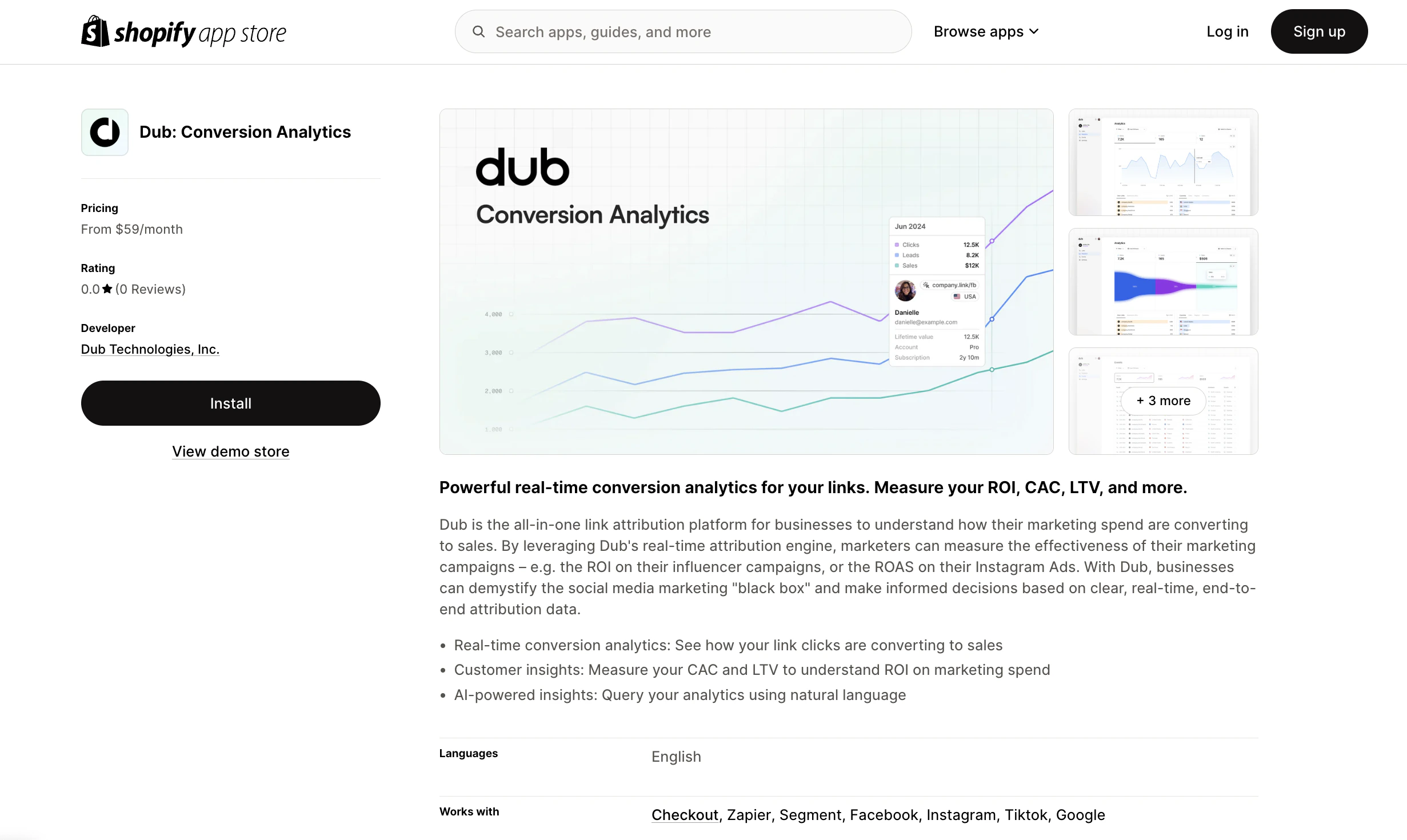
- Navigate to your Shopify admin panel.
- Go to Online Store > Themes.
- Click on Customize for your current theme.
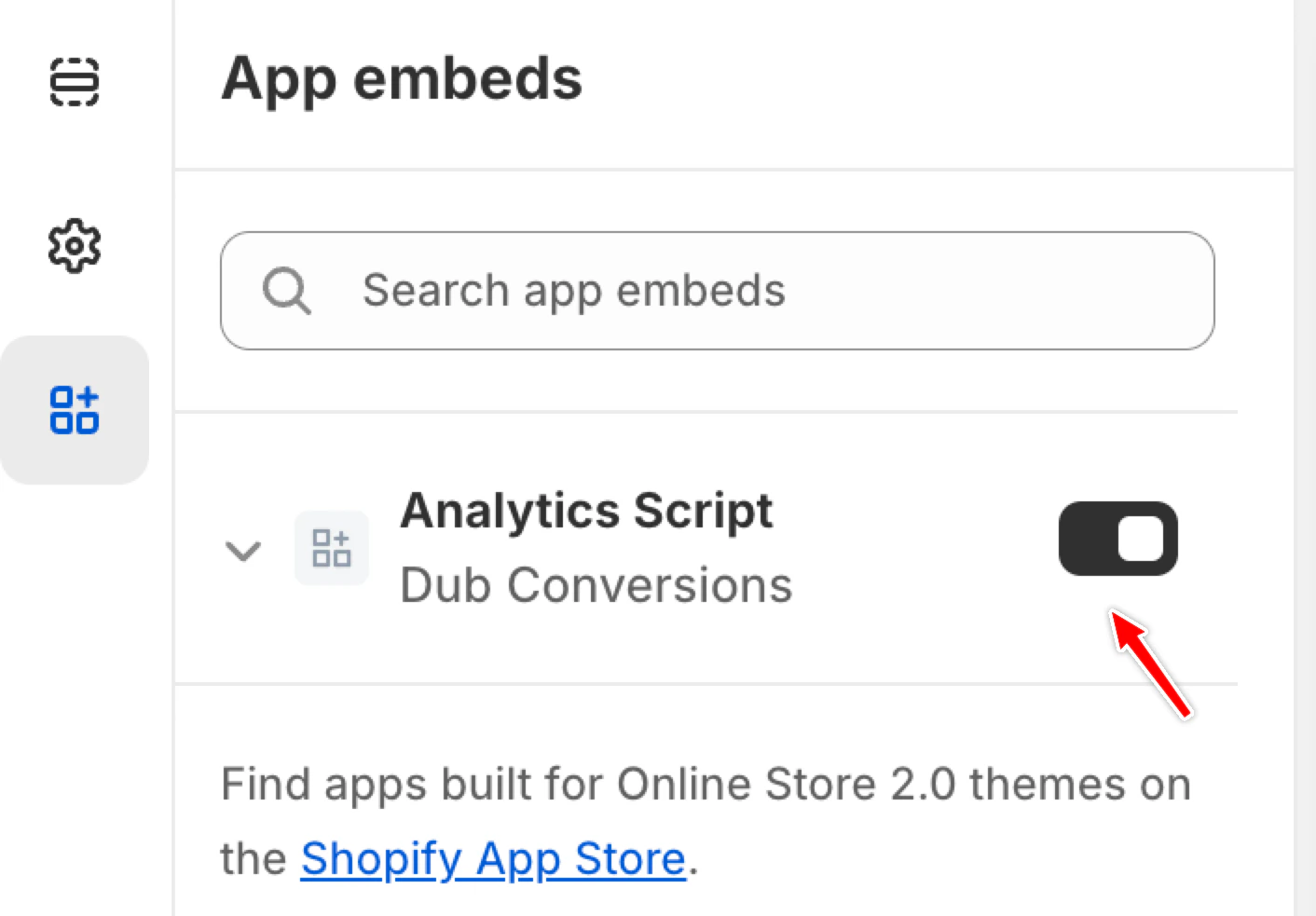
- In the theme editor, select the App embeds tab.
- Locate the Analytics Script for the Dub app and toggle it to activate.
You can verify the installation with the following tests:
- Open the browser console and type in
_dubAnalytics– if the script is installed correctly, you should see the_dubAnalyticsobject in the console. - Add the
?dub_id=testquery parameter to your website URL and make sure that thedub_idcookie is being set in your browser.
- The analytics script was added to the
<head>section of the page - If you’re using a content delivery network (CDN), make sure to purge any cached content