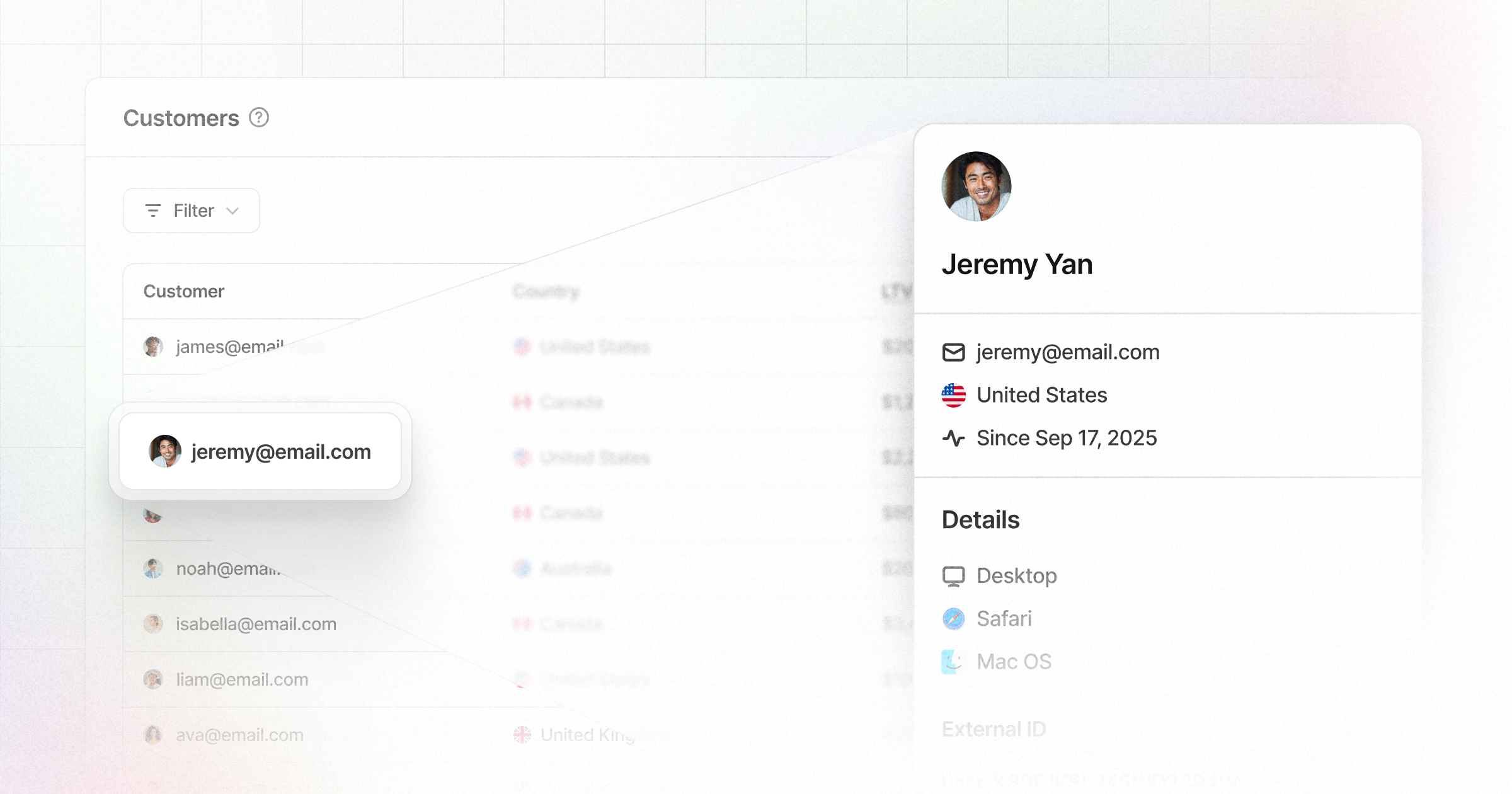
One of the most important parts of marketing is accurate attribution – understanding how your marketing efforts and spend are converting to customer acquisition and revenue. With Dub, you can turn your short links into end-to-end attribution engines by tracking how your clicks convert to signups and sales. As part of lead tracking, Dub creates customer objects to visualize how your users interact with your links and how much they spend on your product. Now with Customer Insights, you can get a deeper understanding of your customers’ demographics, purchasing behavior, and lifetime value (LTV).Documentation Index
Fetch the complete documentation index at: https://dub-partner-network.mintlify.app/llms.txt
Use this file to discover all available pages before exploring further.

Customers overview
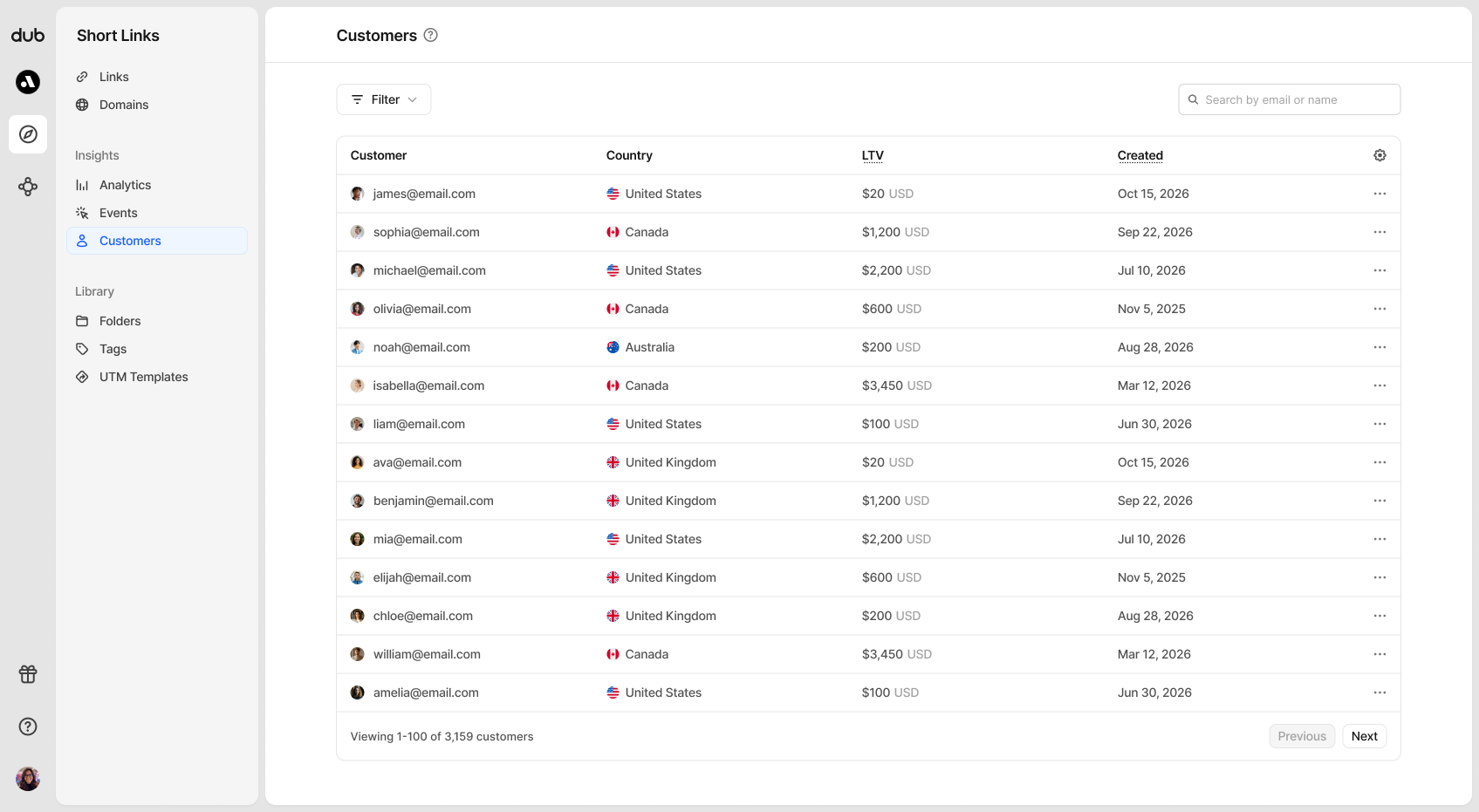
Your Dub workspace now has a new Customers tab that shows you a list of all your customers and which short link they came from.
Available columns
The data columns available to you are:| Column | Description |
|---|---|
| Country | The customers country |
| Link | The short link used to visit your domain |
| LTV | The total amount of revenue the customer has generated over time |
| Created | The date the customer was created |
| Paid | The date the customer made their first sale |
| Cancelled | The date the customer canceled their subscription |
| External ID | The unique identifier within your database |
Individual customer pages
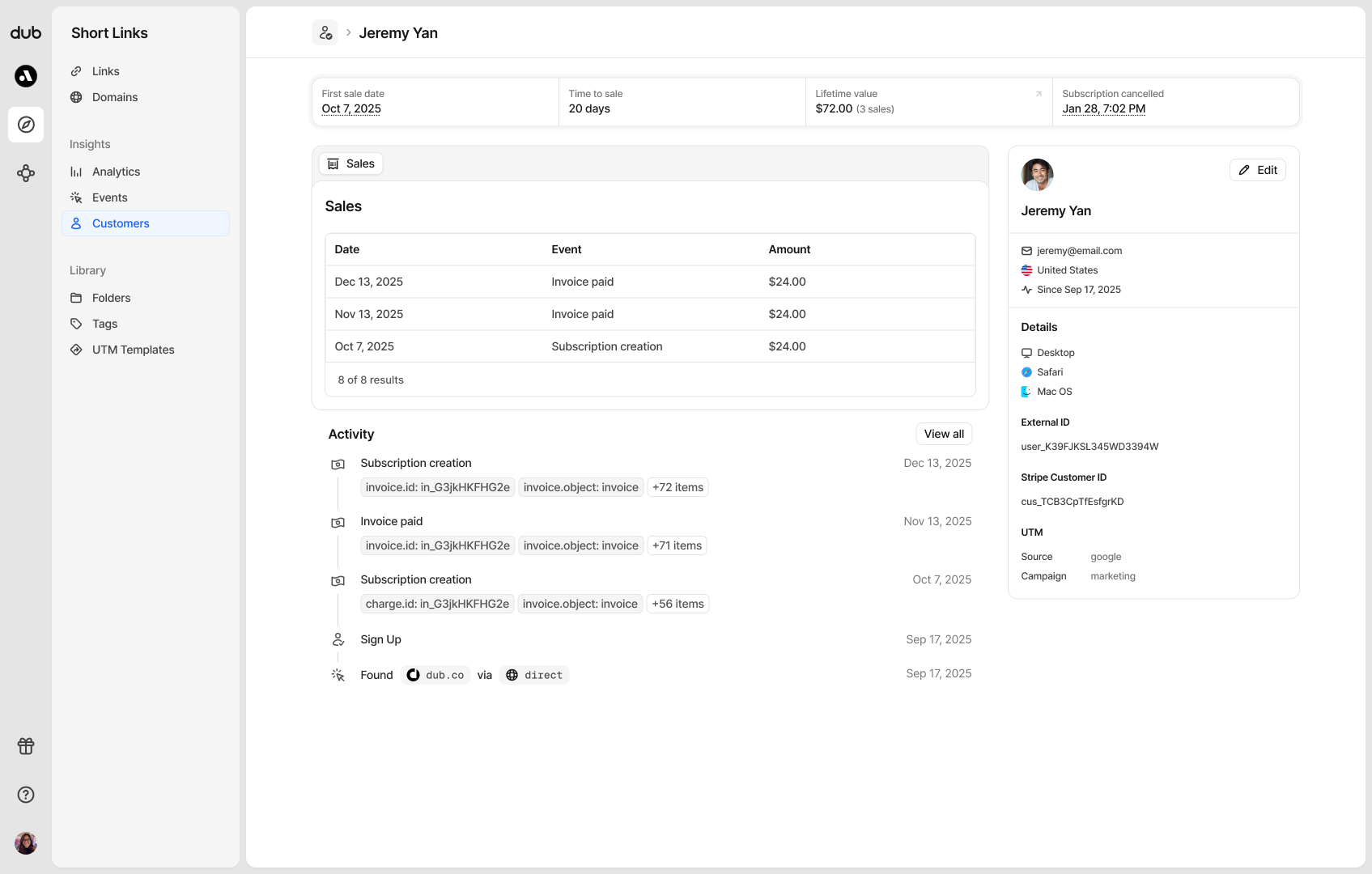
For a given customer, you can also open up their individual customer page to see a view of their recent sales and historical activity.
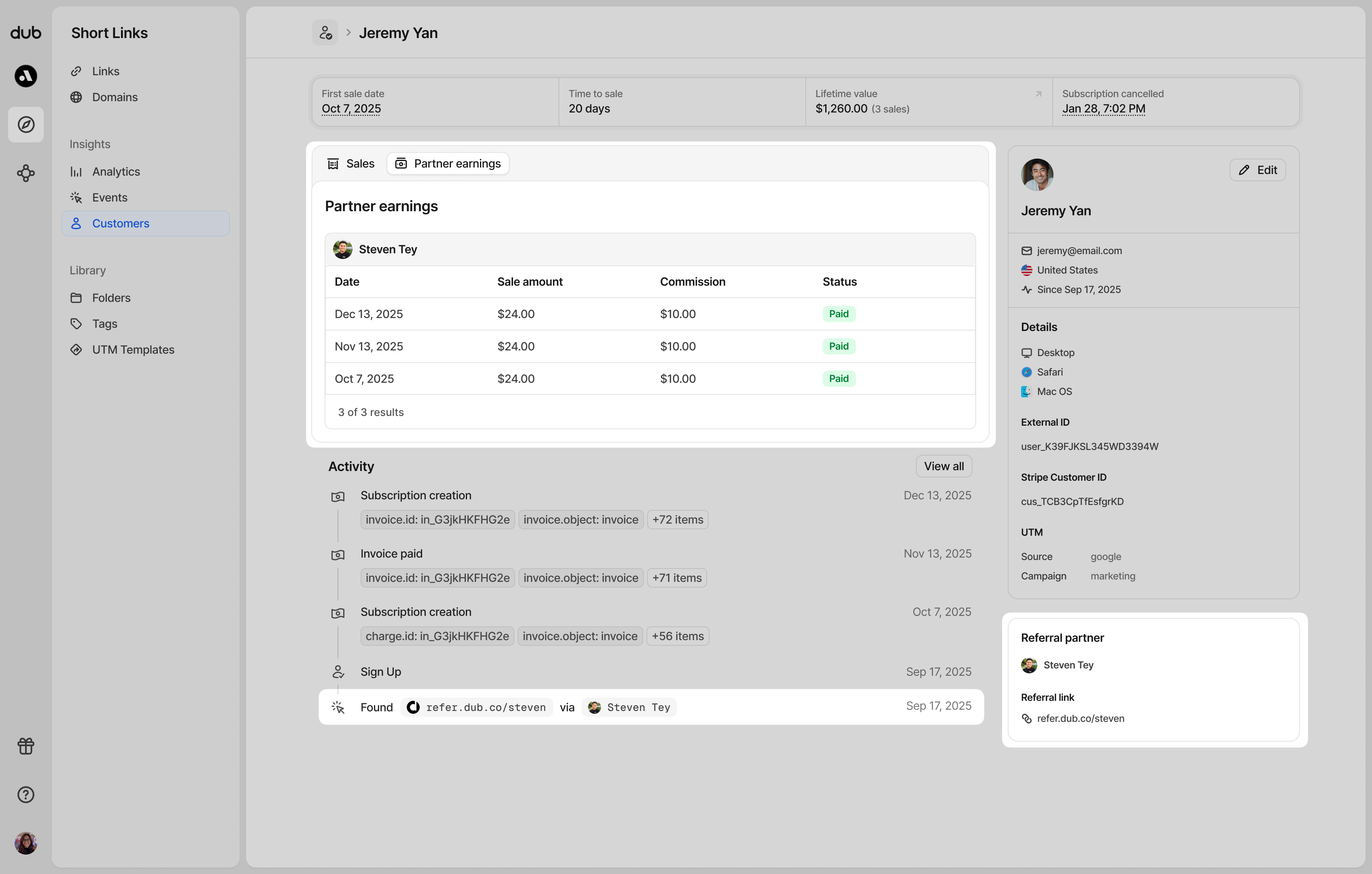
Partner program customers
If the customer was referred by a partner, you’ll be able to view which partner referred them, the partner’s earnings and which link was used. Learn more about Dub Partner Programs.